
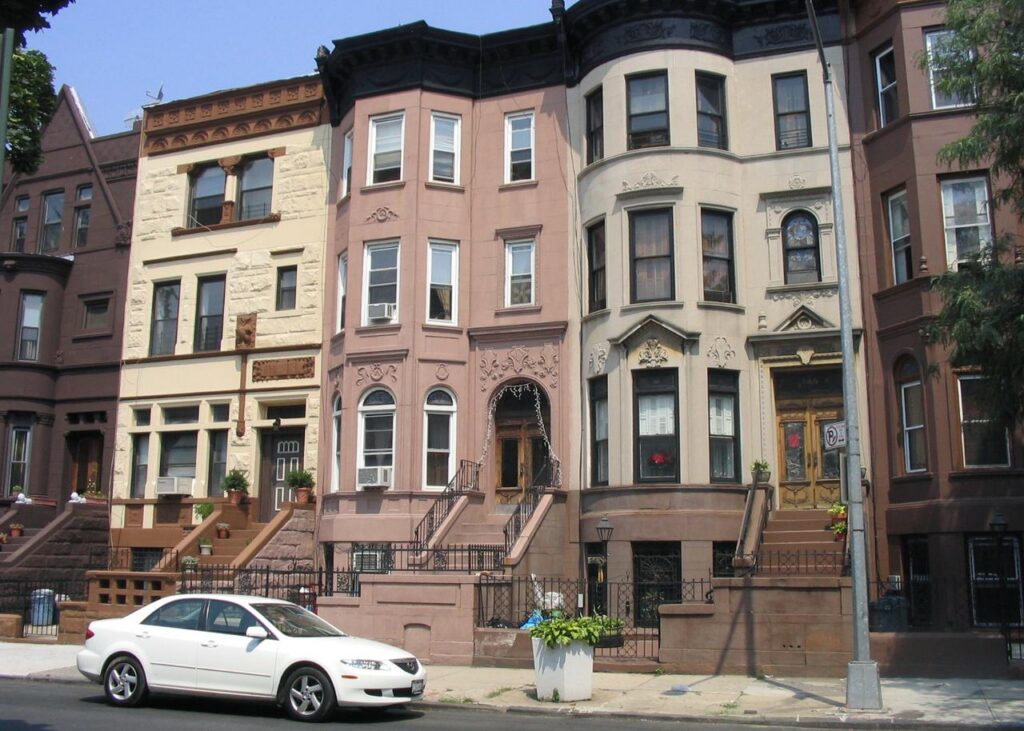
Brownstones in Bedford-Stuyvesant, Brooklyn. Archive illustration; no claim about these properties’ records or condition. Photo: Joel Dabu / Newyork10r, Wikimedia Commons, public domain. Cropped.
Before buying or leasing space in New York City, check both of the Department of Buildings’ public record systems and compare the property’s recorded use with what you plan to do there.
A listing, a renovated interior or a landlord’s description is not a substitute for reviewing the underlying records. The city provides free starting points for checking filings, permits, complaints, violations and occupancy documents. The important catch: one search does not cover everything.
Practical guide. Official guidance last checked October 30, 2026. This is a records checklist, not a legal, title or building-safety opinion.
1. Identify the building, not just the listing
Start with the exact street address and borough. Record the Building Identification Number (BIN) and Borough, Block and Lot (BBL) shown for the property, and check that you have the intended building and space before drawing conclusions.
The DOB NOW Public Portal supports searches by address, BBL, BIN and job number. Keeping those identifiers with your notes helps you reconcile records when a property has more than one address or multiple filings.
2. Search BIS and DOB NOW
Use the city’s Find Building Data page as your starting point. It links to the Buildings Information System, known as BIS, and the DOB NOW Public Portal.
- BIS: Review the property profile, occupancy information, jobs and filings, complaints, violations and inspections. It holds older applications and permits and filings handled through eFiling or a borough office.
- DOB NOW: Review applications filed in that system, certificates of occupancy and the compliance violations it displays. Its public search tools can be used without creating an account.
DOB’s portal FAQ explicitly says DOB NOW does not display BIS filings. Complaints generated from 311 calls are in BIS, not the Public Portal. OATH/ECB violations and some DOB violations are also only in BIS. A clean-looking result in one system is not a complete building history.
3. Read the occupancy document for the space
A Certificate of Occupancy, or CO, states a building’s legal use and/or permitted occupancy. Check the actual document and floor-use records against the space being offered. For example, do not assume that a proposed apartment, office or store use is permitted because that is how someone advertises it.
For CO requests before March 1, 2021, DOB directs users to BIS: open the Property Profile Page, then select “View Certificates of Occupancy.” For requests on or after that date, search the address in DOB NOW and select “Certificate of Occupancy” at the top of the Property Profile Page. Save the document, not just a search-result screenshot.
A final CO has no expiration date. A Temporary Certificate of Occupancy, or TCO, is different: it typically expires 90 days after issuance. Check the expiration shown on the actual document and whether a renewal or final CO has been issued. Do not assume a renewal will be available. DOB advises consulting a professional engineer or registered architect about what remains necessary for a final CO.
4. Do not mistake a missing CO for an automatic verdict
DOB says buildings built before 1938 are not required to have a CO unless later alterations changed their use, egress or occupancy. That exception is not a blanket approval for every current use of an old building.
If the building is exempt and proof of legal use is needed, DOB directs users to the appropriate borough office to request a Letter of No Objection. A Letter of Completion for minor alterations is another document; it is not interchangeable with a new or amended CO. If the records do not clearly support the proposed use, have a qualified professional review them before you commit.
5. Separate a filing from completed work
Open the relevant job and permit records rather than stopping at their titles. Note the work described, filing or job number, permit information, inspection history and the status shown. Ask the owner for supporting plans and completion documents where the public record leaves a question.
A filed application is not, by itself, evidence that work was completed and signed off. Nor does a record for one project answer questions about unrelated work elsewhere in the building. Use the records to frame specific questions for the owner and your architect or engineer.
6. Read the status of complaints and violations
DOB’s building history distinguishes information that is active from information that has been resolved. Record the number, date, description and current status of each item you need to understand. A complaint is not the same thing as a confirmed violation, and the mere presence of an old entry does not tell you its present status.
Check both systems for violations. DOB NOW covers specified compliance categories, but its coverage varies by category and issue date. The city’s FAQ tells users to search BIS as well for a complete list. Ask for documentation explaining unresolved items and obtain professional advice on their implications for your planned use.
7. Request missing documents and keep a dated file
The Public Portal does not display plans. DOB says drawings, plans and other property documents can be requested through DOB NOW: BIS Options. Its records guidance also points to Department of Records collections and HPD’s I-card images as other historical sources.
Save the property identifiers, CO or TCO, relevant job and violation numbers, downloaded records and the date you checked them. List unanswered questions separately. Missing online information is a reason to investigate, not proof that no record or problem exists.
Before signing, give the file to the professionals handling the transaction. Ask an architect or engineer to review use, plans and work-status questions, and a real estate attorney to address the contract and legal issues. DOB records are one part of due diligence; they do not replace a title review, physical inspection or other agency checks.
JBizNews Real Estate Desk | New York
© JBizNews.com. All rights reserved. Unauthorized reproduction or redistribution is strictly prohibited.