
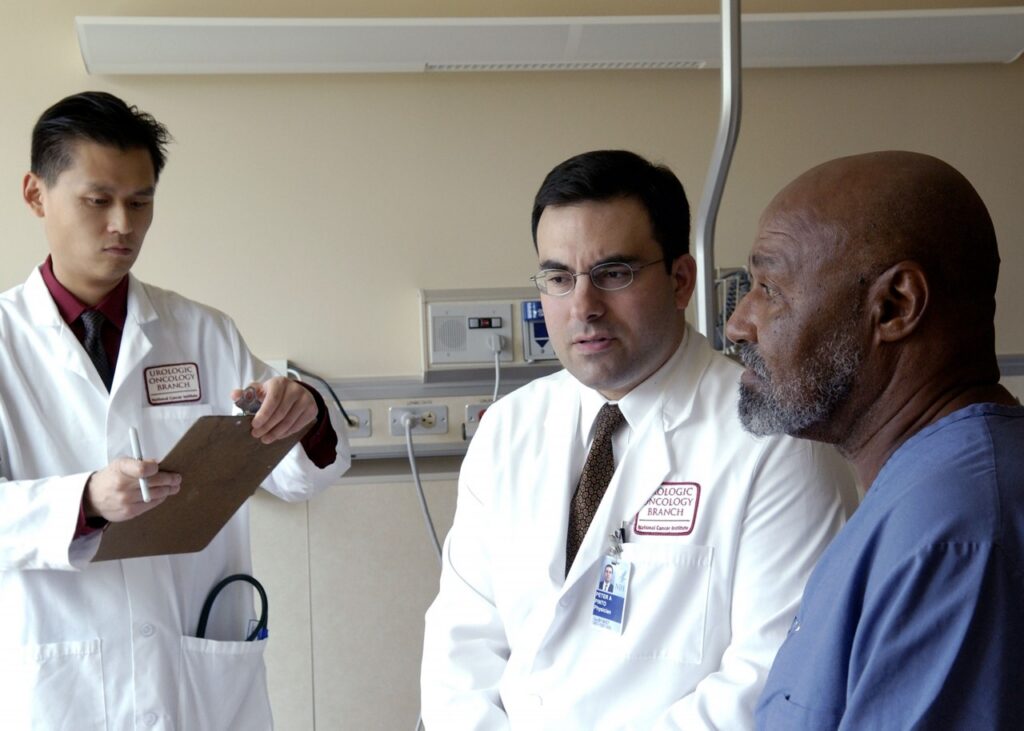
Doctors with a patient in a 2005 archive photograph. National Cancer Institute / Wikimedia Commons, public domain. Cropped. Illustrative image; no assessment of the people pictured.
A federal provider number can help you check whether a name, practice and address belong together, but it cannot tell you whether a clinician is licensed, qualified for your needs or covered by your insurance.
The free NPPES NPI Registry, run by the Centers for Medicare & Medicaid Services, is a useful starting point for patients, families and healthcare businesses. Its most important warning is also its clearest: issuing a National Provider Identifier does not ensure or validate that a provider is licensed or credentialed.
Guide checked October 30, 2026. This checklist explains how to use the public directory and where its usefulness stops. It is general information, not medical advice or a substitute for an employer’s credentialing or compliance process.
1. Gather the name and number before searching
Ask the practice for the clinician’s full professional name and 10-digit NPI. If you are checking a clinic, nursing home or other business, ask for the organization’s legal name and its NPI as well. Keep the practice address alongside those details so you can compare more than a name.
An individual clinician and an organization are different records. CMS distinguishes Type 1 individual NPIs from Type 2 organization NPIs in its registry search instructions. A practice’s organization record is not a substitute for checking the particular clinician you expect to see.
2. Use the official, free public search
Open the NPI Registry at npiregistry.cms.hhs.gov. You do not need to buy a report to use this directory. CMS says there is no charge to view its public data.
If you have an NPI, enter it in the NPI Number field. CMS’s instructions say no other search criteria are needed when searching by that number. This is a more direct route than sorting through several people with similar names.
If you do not have the number, use the individual first- and last-name fields or the organization-name field, as appropriate. Add a city or state to narrow the results. The current form also offers NPI Type and Taxonomy Description filters.
3. Treat a search result as a possible match
The registry normally returns similar and close matches. Its Exact Matches option narrows the search to records that exactly match your criteria. That can help with a known spelling, but can also hide a record when your spelling or business name differs from the one on file.
For organizations, CMS searches other names as well as the organization name, including doing-business-as and former legal business names. A different name in a result is therefore a reason to investigate, not an automatic sign of a problem.
Compare the NPI, provider name, type, listed specialty or taxonomy, and practice address with the information the office gave you. Do not assume that the first person with the right surname is the one you meant to check.
4. Know what the record cannot prove
The registry publishes identifying information, not a recommendation. A specialty or taxonomy listing is not, by itself, proof of board certification. An NPI is not a quality score, a disciplinary clearance or evidence that a particular service is appropriate for you.
CMS explains on its data dissemination page that NPPES information is reported by providers or people acting on their behalf. The registry is updated daily, but that does not guarantee that every office has reported every change promptly.
A moved office, a former business name or an unfamiliar taxonomy may need an explanation. Ask the practice to reconcile the difference. Do not label someone fraudulent, unlicensed or unsafe solely because a directory field does not match what you expected.
5. Check licensing separately
For a physician, use the relevant state medical or osteopathic board’s official records and instructions. The Federation of State Medical Boards’ board directory can help you find the right agency. Other professions have their own licensing authorities.
Match the person carefully when checking a license. Follow the board’s instructions for interpreting status and any published orders. If a result is unclear, contact the board rather than treating an NPI listing as an answer. This guide does not make a licensing or disciplinary finding about any provider.
6. Confirm the appointment and coverage directly
Before relying on the record to arrange care, ask the office which clinician, location and billing organization will be involved. Then ask your health plan to confirm coverage for that clinician, location and planned service under your specific plan. An NPI lookup is not that confirmation.
Likewise, do not use an NPI result as proof of Medicare enrollment or as a guarantee that a claim will be paid. The identifier is not a substitute for confirming enrollment, licensing and payment with the relevant authority or plan. If you are making a business credentialing decision, use your organization’s full verification process rather than stopping at this search.
If you cannot find the provider
Recheck the number and spelling, try the legal or former business name, and adjust overly narrow filters. The public search is limited to its first 2,100 results, so a broad search may need more detail. A failed search is not, by itself, a verdict about the provider.
Ask the office to explain the mismatch and supply the correct record. Providers whose own NPPES data are wrong can use the NPPES system to maintain their information; the public search is not the place for a patient to change someone else’s record.
A checklist to keep
- Record the full name, NPI, provider type and practice location you checked.
- Save the date of the lookup and any unresolved differences.
- Use the relevant licensing authority for the licensing question.
- Get appointment and insurance answers directly from the office and your plan.
- Keep identity, licensing, coverage and clinical suitability as separate questions.
The useful result is not simply “an NPI exists.” It is knowing which details match, which still need confirmation and which questions this particular directory cannot answer.
JBizNews Health Desk | NEW YORK
© JBizNews.com. All rights reserved. Unauthorized reproduction or redistribution is strictly prohibited.







.jpg)